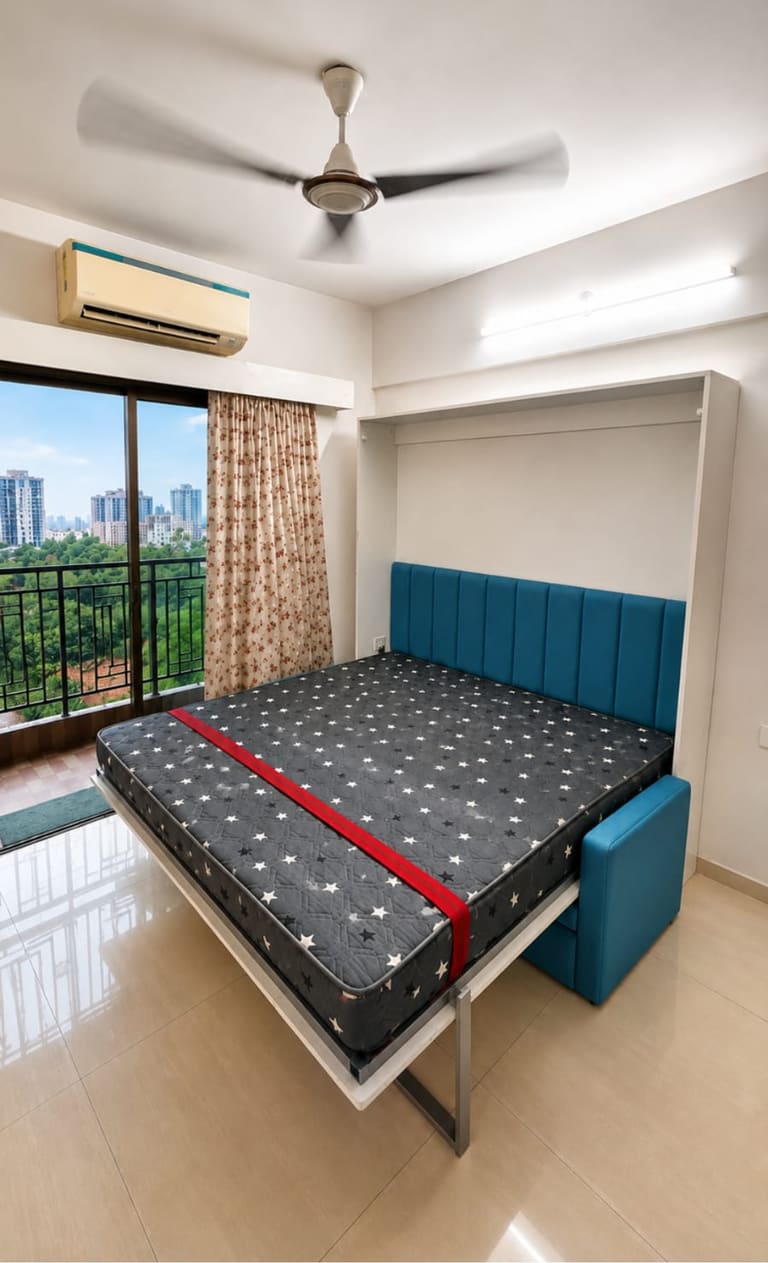
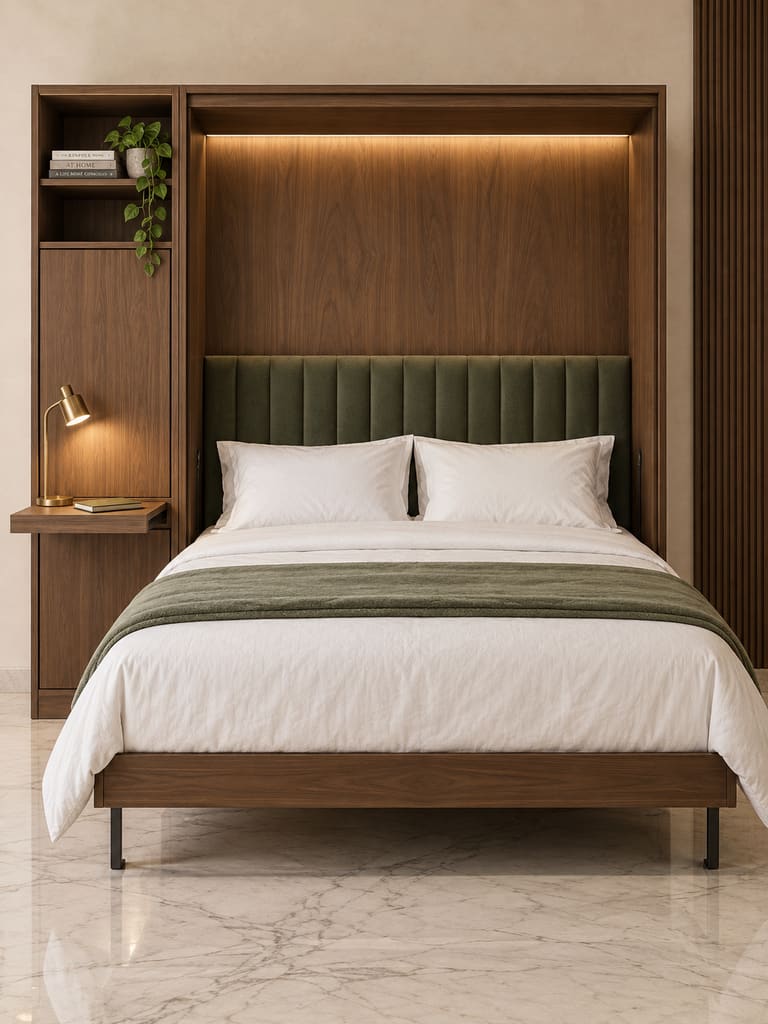
Vertical Bed
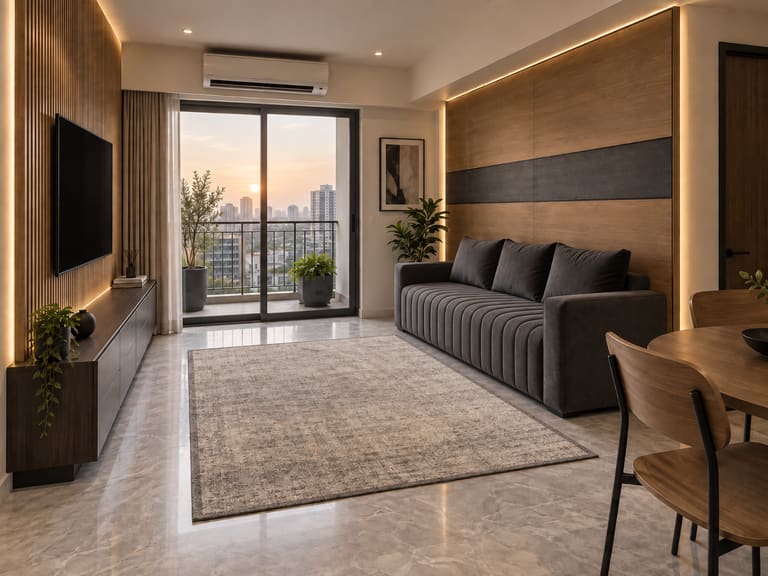
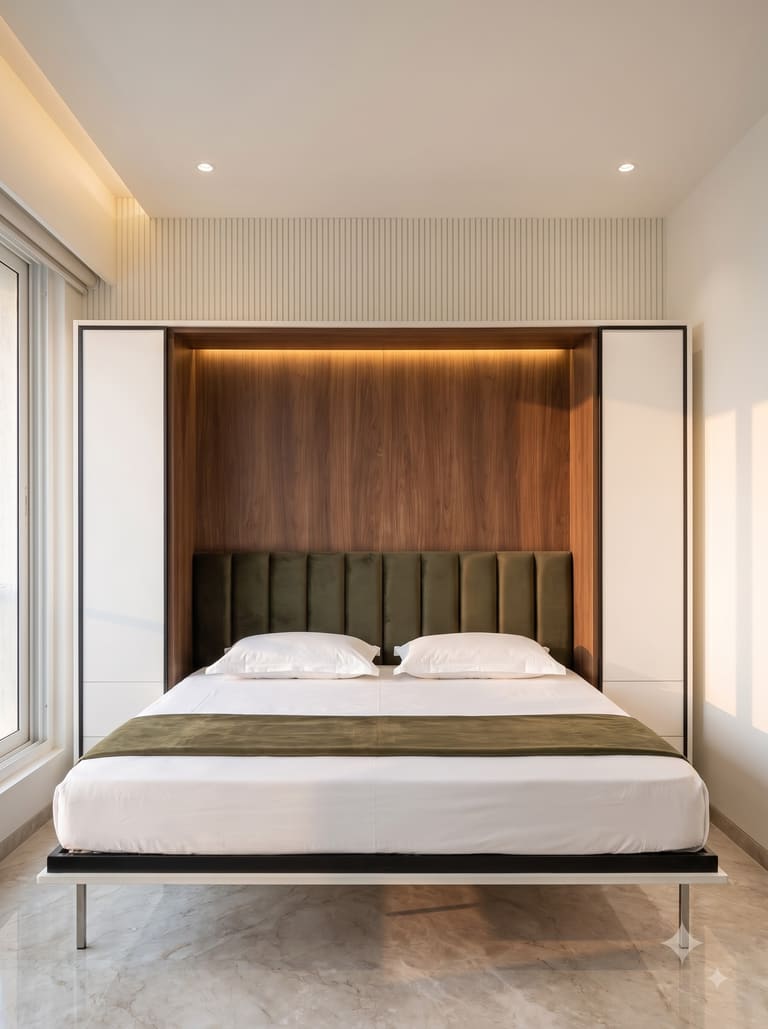
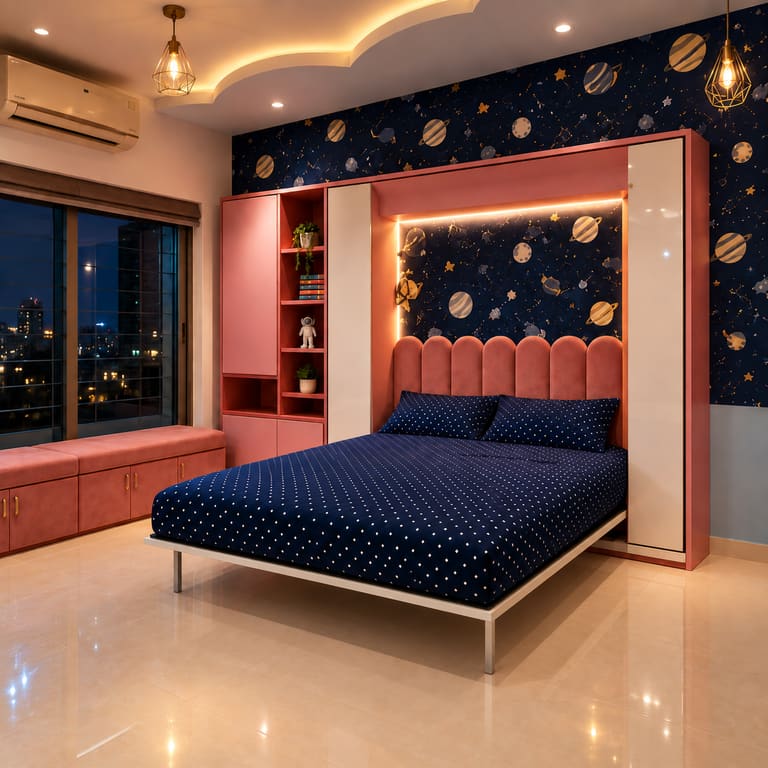
The classic. A full-size bed folds up into a 12-inch wall unit.
SizesSingle · Double · Queen · King
Dwals AR View
Point your phone’s back camera at your wall. A true-to-size Dwals unit stands in your room. Open it, try 20 finishes, then send the design to us on WhatsApp.
Choose your wall bed
Pick a configuration, then stand it against your own wall. Every unit closes to 12 inches.
The classic. A full-size bed folds up into a 12-inch wall unit.
SizesSingle · Double · Queen · King
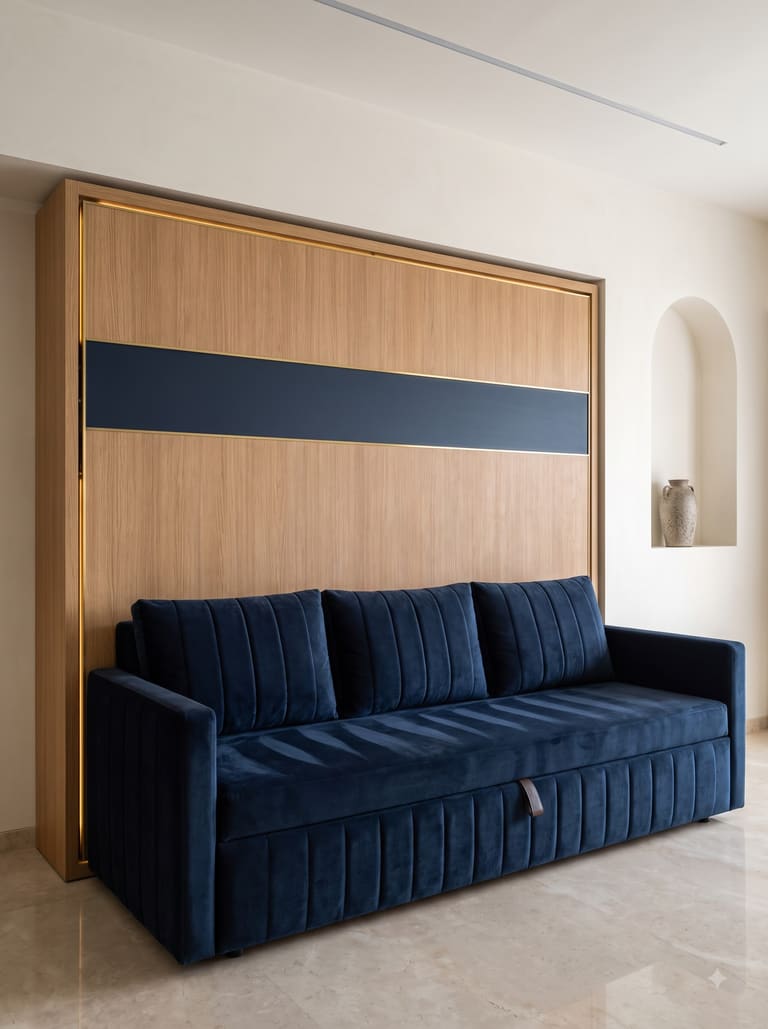
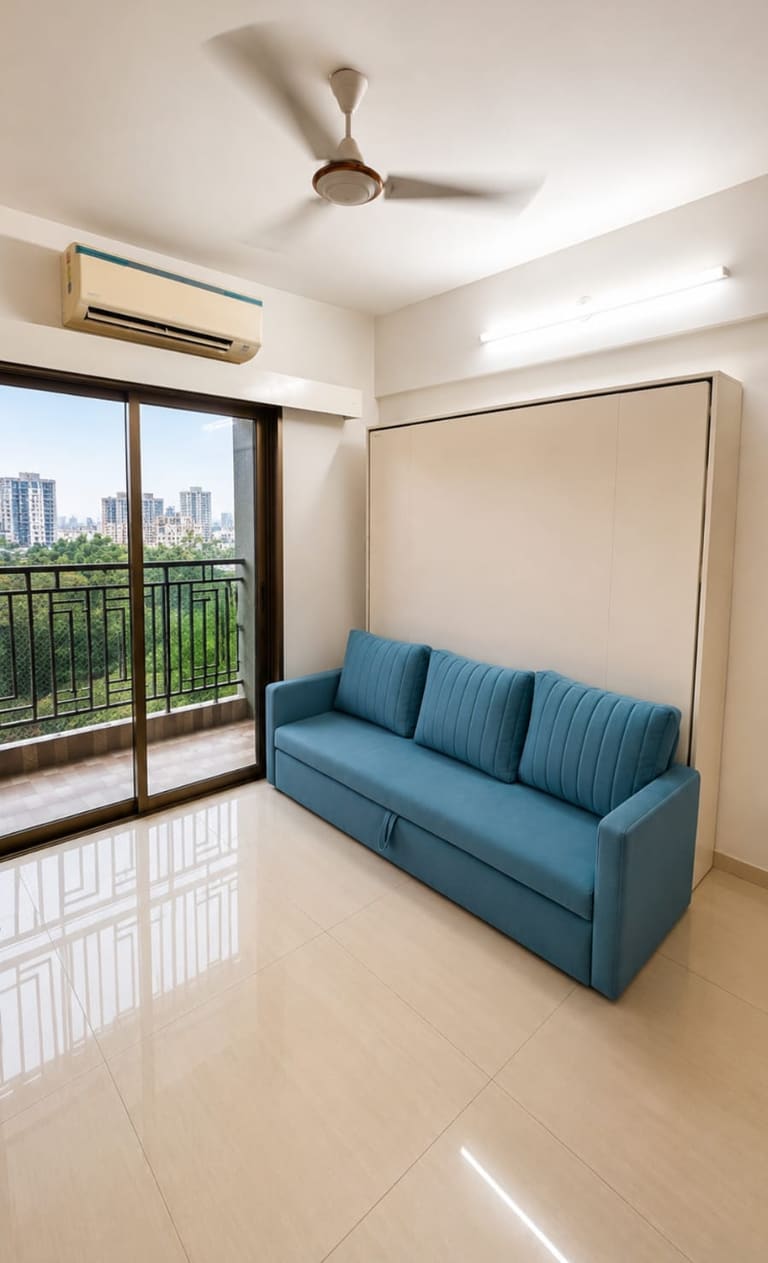
A real 3-seater by day. Lift off the back cushions and the bed comes down over it.
SizesDouble · Queen · King
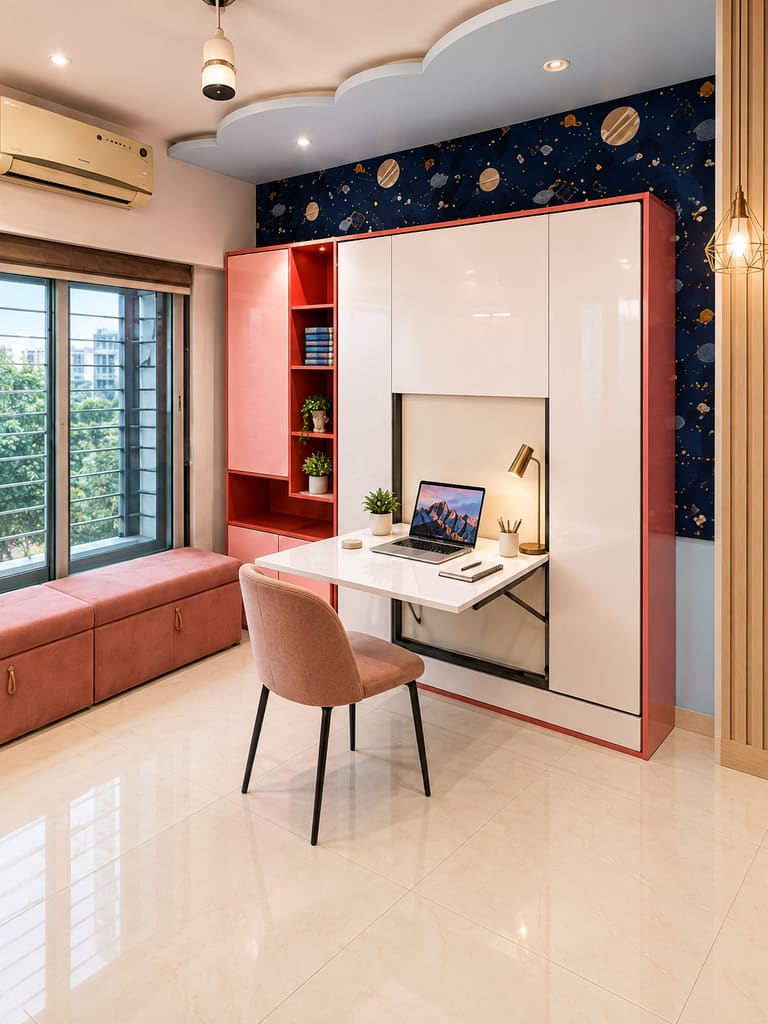
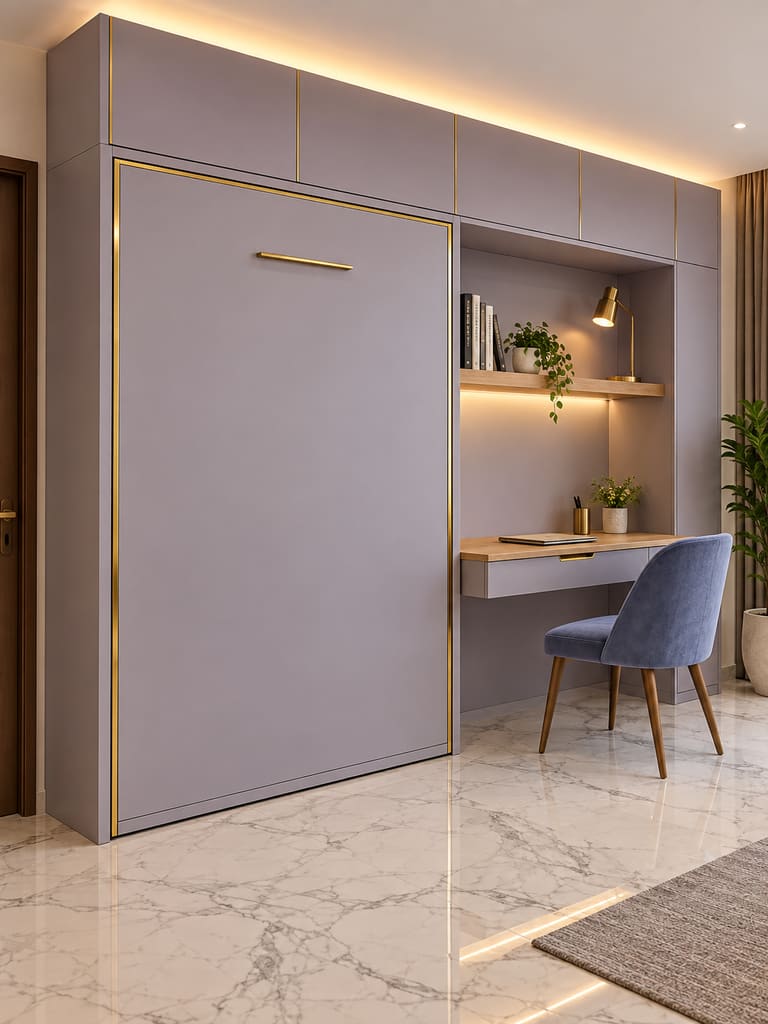
A desk by day, a bed by night, in the same 12 inches of wall.
SizesSingle · Double · Queen
Folds along its long side. For low ceilings, under lofts and windows.
SizesSingle · Double · Queen
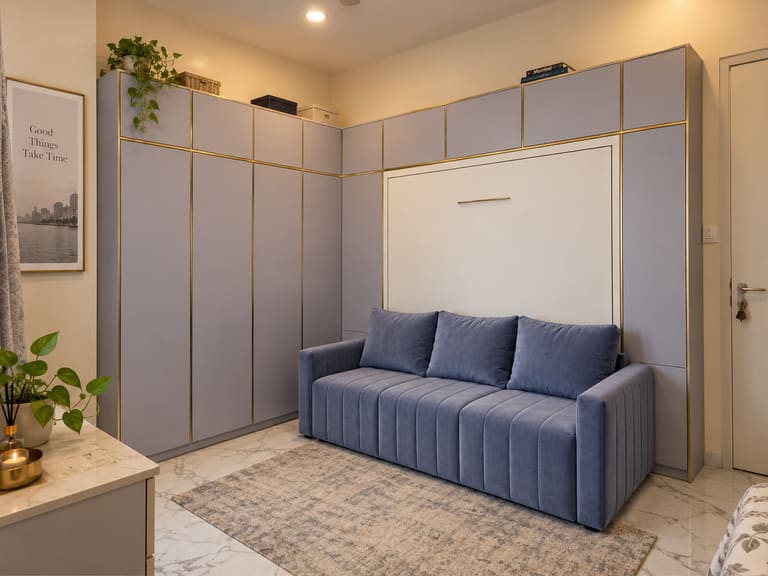
Wardrobes either side and lofts above, in one flush run of doors.
SizesDouble · Queen · King
Send us your room size on WhatsApp. We’ll suggest the wall bed that fits, and measure your wall for free.
What you can do in AR
It stands exactly as big as the real unit, against your own wall. It can’t be resized by accident.
Slide it open and closed, or watch the 8-second opening on its gas struts.
Woodgrain, matte, gloss, fabric and fluted, and every size, changed with one tap.
Your design and its code go straight to our team, with a free site measurement.
How to use AR View
You only need your phone, a clear wall and good light.
Pick a configuration, a size and one of 20 finishes.
Allow the back camera when your phone asks.
Clear anything standing in front of it for the truest view.
Move the phone slowly, aim at the bottom of the wall, and place the unit.
Slide to open and close, try 20 colours, and send the design on WhatsApp.
Before you start
Chrome on most Android phones with Google Play Services for AR. You get the full experience: open, close and try colours in your room.
Safari opens the unit in Apple’s AR view. Choose your colour and size first, then see it closed, open or opening.
Explore the 3D view here, then scan the QR code with your phone to see it in your room.
AR View uses your back camera only to find your floor and wall. Everything is worked out on your phone. Nothing is recorded, uploaded or stored.
Questions
Yes. The unit is shown at 1:1, exactly as big as it will stand in your room, and it can’t be resized by accident. Our team still measures your wall for free before we make anything.
No. The camera picture is used on your phone to find the floor and wall, then thrown away. Nothing is recorded, uploaded or stored.
A chair or plant in front of the wall hides part of the unit and makes it harder to judge. Clearing it gives you the cleanest, most accurate view. You can always continue anyway.
Close, but every screen shows colour a little differently. We bring the physical swatches to your free site measurement so you can choose in your own light.
You can still explore the unit in 3D on this page, or scan the QR code with another phone. Or just WhatsApp us your room size and we’ll suggest the right unit.
Free site measurement · Mumbai & MMR